Guide
Dog Walking Business Cards Template: What to Put on the Card
A dog walking business cards template starts with name, service, phone, and area on a 2 by 3.5 inch card, plus print options and how it sits next to a flyer.
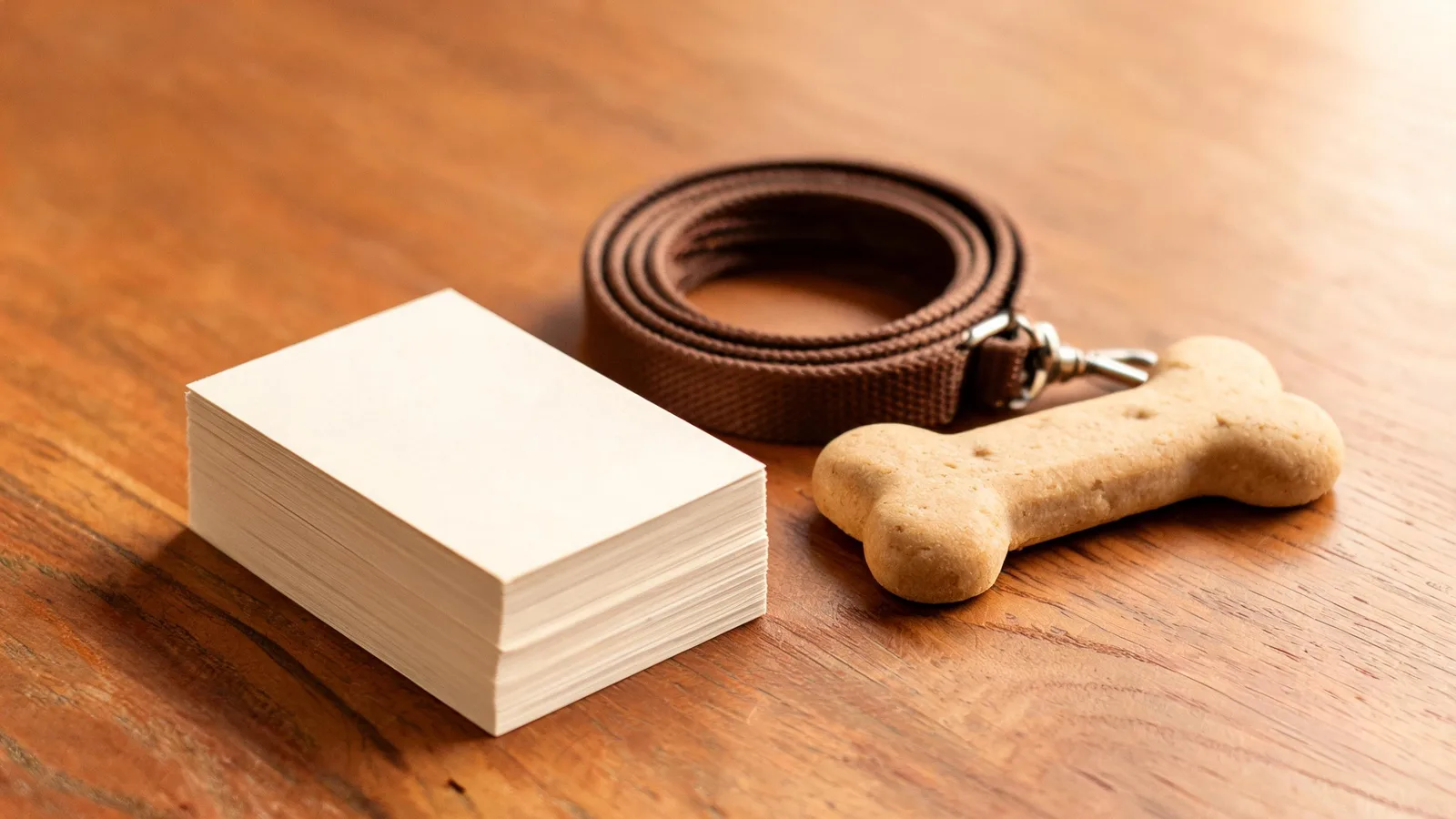
Put five things on a dog walking business card: the business name, the service (dog walking), your name, a phone number, and the area you walk. Avery sells that card at 2 by 3.5 inches, including blank inkjet sheets with 10 cards on each letter sheet. The flyer stays on the board. The card is the piece someone puts in a pocket.
We do not sell business cards. The printed piece in this shop is the flyer, and the notes below say how the two work together. If the name on the card is still open, settle it in dog walking business names before you order a box.
Fields that belong on the card
Time To Pet's card guide says a North American card is 2 inches by 3.5 inches, and lists what to put on it: logo, business name, the services you specialize in, your name and title, telephone number, address or the city and service area, email, and website, with social handles only if you have space. That is the full list. On a first print, five of those fields matter more than the rest.
Use this cut if the card is getting crowded:
- Business name, in the type you already use on the flyer.
- Service line: "Dog walking" or "Weekday dog walks." Skip boarding if you do not offer it.
- Your name. Owners hire a person.
- Phone number, large enough to read without glasses in a car.
- Area: the neighborhood or city, matching the flyer.
Email, a website, and one social handle go on the back. A logo is useful when you have one. A paw-print clip art is not a substitute for the phone number.
Time To Pet says to keep the type easy to read, and that a two-sided card often puts the logo and company name on one side and the details on the reverse. Follow that split. Front: name, service, phone. Back: area, email, and "text for a meet and greet."
The rate can live on the flyer and in dog walking rates. A card is a bad place for a price you might change next month. If you do print a price, use the same "from" number as the flyer, not a second number.
Layout on a 2 by 3.5 inch card
Avery's printable inkjet card is 2 by 3.5 inches, 10 per sheet, on letter paper, for inkjet printers. Avery's custom-print page also lists 2 by 3.5 inch business cards as a shape you can order printed. Time To Pet states the same 2 inches by 3.5 inches as the standard size in North America. Design to that size. A square card or a tall card is a different product, and a wallet is built for the short wide one.
Front, top to bottom:
- Business name.
- "Dog walking" and the area, one line.
- Phone number, the largest type on the card.
- Your name, smaller, under the phone.
Back: email, one social handle, and the next step. Leave a margin so a shop trim does not eat the phone number. MyCreativeShop's dog walking card templates are 3.5 inches wide by 2 inches high, the same rectangle turned the usual way.
Illustrative card copy
The lines in this section are illustrative. The phone number is invented. Type your own before you print.
Front:
Oak Lane Walks Weekday dog walks, Maple Hill 555-0100 Jordan Lee
Back:
Text for a meet and greet oaklanewalks.example @oaklanewalks
That is a template in the plain sense: the fields, in an order a person can read in a few seconds. Swap the name, the area, and the number.
Print at home or send it out
Three routes, from the pages that loaded:
Blank sheets at home. Avery lists 100 of the 2 by 3.5 inch inkjet cards for $5.99, and the sheet holds 10 cards. You design the card, print on the perforated sheet, and snap the cards apart. This is the cheap test: one sheet, hand them to neighbors, see if anyone calls.
A printer's run. Avery also sells printed 2 by 3.5 inch cards, front only or front and back. Order a small box after the home-printed test, not before you know the phone number is right.
A template file. MyCreativeShop offers dog walking card templates and two download types: a 300 DPI PDF for print at home, marked as no bleed, and a 300 DPI PDF for commercial print with full bleed. If you print on Avery blanks at home, place the design into the matching Avery sheet template and print one test page on plain paper to check alignment before you use the card stock. Pick the full-bleed file if a shop asked for art that runs to the edge.
If the shop is FedEx Office, match their file notes. FedEx Office says PDF is preferred for most printing, and to use 300 DPI and CMYK when you can. The same FAQ says a standard 8.5 by 11 inch upload is produced with a small margin and is not printed full bleed. A home-print card sheet is that kind of file: keep type off the perforations. A full-bleed commercial card is the other file. Send the one the shop asked for.
Print one sheet and read it at arm's length before you print the rest. If the phone number breaks across a perforation, move it up.
How a card works next to a flyer
A flyer is the page on the clinic board. A card is what a person carries away. Scout's flyer guide says the person looking at the flyer often will not call in that moment, so attach a business card or use tear-off tags so the contact line leaves with them. Use one phone number on both. Use one business name on both. A card that says "text me" and a flyer that lists a different number wastes the introduction.
Hand a card when you hand a flyer to a neighbor. Staple one card to the flyer you leave at the vet, or use tear-off tabs on the flyer if you are out of cards. The tab and the card do the same job: they travel. How to build the flyer, including the tabs and a QR code, is in how to make a dog walking flyer. Where to leave both is in advertise dog walking.
The card does not carry the price menu, the photo, or the list of walks. The flyer does. If you only have time to print one thing this week, print the flyer. Add cards when you are introducing yourself in person and you want something that fits in a wallet.
What to order if you are not ready for cards
We do not sell a business-card file. Print Avery blanks, or order cards from a printer, using the fields and the 2 by 3.5 inch size above.
Print the Dog Walker Flyer yourself: a printable flyer with your name, prices, area and phone number, your own photo and QR code, at $4.99.
The Find Clients Set: flyer, price list and Instagram post set is a one-page menu of your walk and drop-in prices, ready-written social media posts and stories, and a printable flyer that finds dog walking clients, at $10.99.
Either file is the leave-behind you can finish today. A card is the smaller piece you add when you are shaking hands. If you are still opening the business, the order of jobs is in how to start a dog walking business. Captions for the posts that match the card are in dog walking Instagram captions.
The limit of a card is size. It cannot hold the whole offer. Pair it with the flyer, or do not bother with a second design that says less.
Questions and answers
What goes on a dog walking business card?
Business name, the service, your name, a phone number, and the area. Email and a social handle fit on the back if the front is already full.
What size is a standard US business card?
Do you sell dog walking business cards?
No. The shop sells a flyer and a client-finding set you print yourself. Order the card from a printer or print Avery blanks at home.