Guide
How to Make a Dog Walking Flyer
How to make a dog walking flyer in Word or Adobe Express Free: what to write, Letter and A4 sizes, tear-off tabs, a QR code, and print settings.
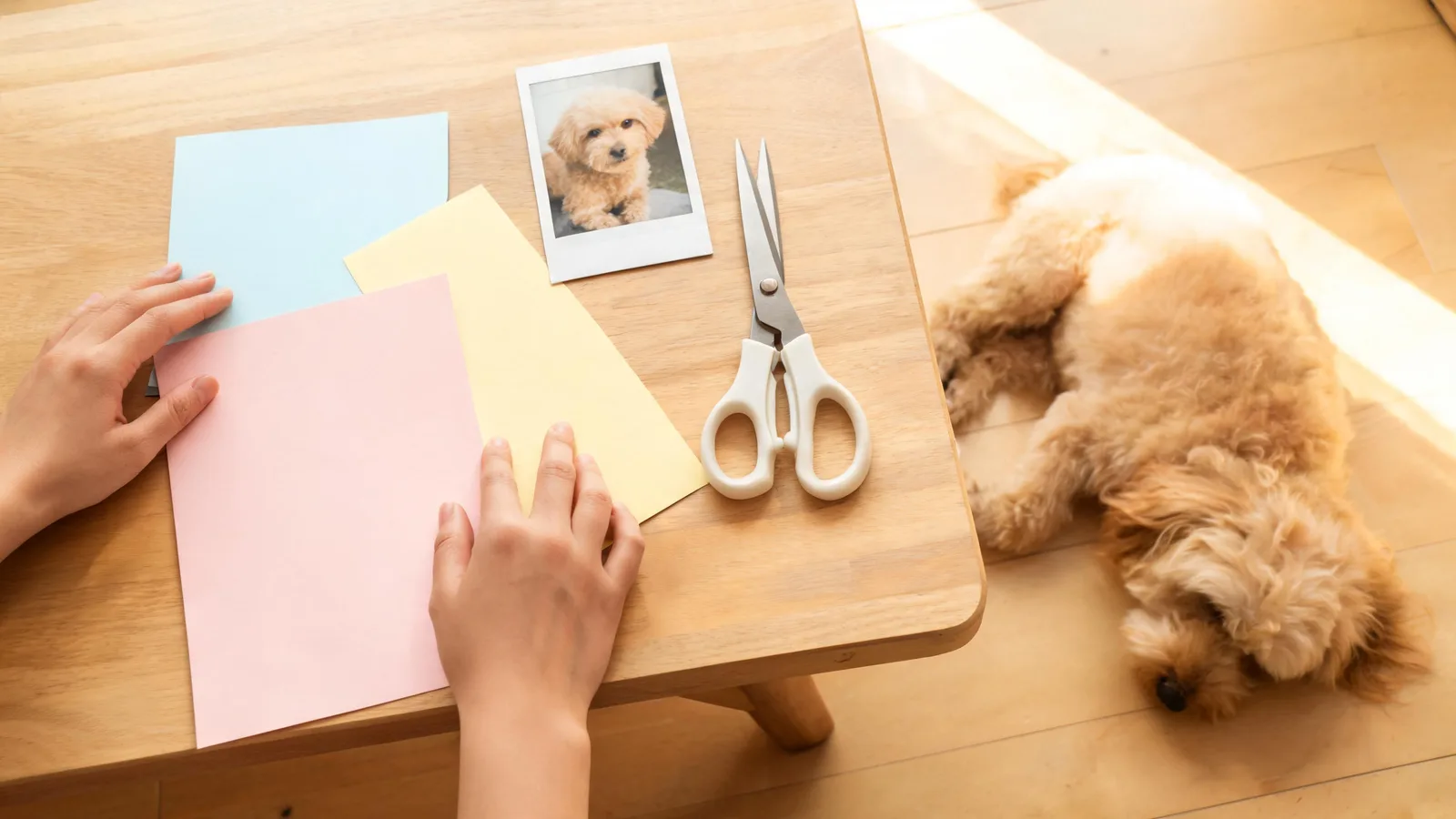
Make a dog walking flyer in a free tool you can open today: Word for the web, or the Adobe Express Free plan. Set the page to US Letter, which Microsoft lists as 8.5 in. by 11 in., or to A4, which Microsoft lists as 8.3 in. by 11.7 in.. Write a benefit headline, the walks you offer, your area, a price or the word "from," a photo you may show, a phone number, tear-off tabs, and a QR code you scan before you print a stack.
Microsoft Create publishes free flyer templates and says to select one in Word for the web, replace the text, and save a PDF. Adobe says you can start on the Adobe Express Free plan, and the pricing page says no credit card is required. Canva's pricing page was a challenge page when we fetched it, so this article does not quote Canva's plan terms.
A flyer still needs a person to pin it up and a person to answer the phone. The design does not do that part.
Free tools that actually opened
Two free routes loaded as normal pages. A third, Canva's pricing page, did not, so it is named here only as a route we are not quoting.
Word for the web. The short path, when you want the least setup, is this one. Microsoft Create's flyer gallery is labeled free and customizable, and the how-to on that page is: select a flyer template in Word for the web, double-click to edit online, replace the text and the colors, then save and share as a PDF. That is the walkthrough below. You are replacing their sample words with your walking business. The template is a shell.
Adobe Express Free. Adobe's pricing page says interested customers can start with the Adobe Express Free Plan, and that premium editing features such as remove background and bulk resize require an upgrade. The same page says to try the free plan if you are not sure yet, and that no credit card is required. Start there. If a control is marked premium, skip it or pay. Do not assume a marked tool is included.
Kapwing's gallery. Kapwing's dog walker flyer page says the templates are free and customizable, and that you can change one to match your brand. That captured page has no tear-off step, no QR step, and no headline guidance. Use it as a picture menu, then come back here for the words and the print settings.
Pinterest boards also rank for this search. Those pages returned a bot check, so they were not read and this article does not describe what is on them.
Build the flyer in Word for the web
Follow Microsoft's four moves, then add the walking-business lines.
- Open Microsoft Create's flyer templates and pick a simple layout with a big headline and a block of contact text. Skip a layout that is mostly a holiday illustration.
- Select the template in Word for the web and double-click to edit online, which is the step Microsoft prints on that page.
- Replace every sample line. The next section is the list of what belongs there.
- Save a PDF. Microsoft's page says to save and share as a PDF or a shareable link. For a bulletin board, the PDF is the file you print.
If you are in Adobe Express instead, make a new page at the Letter or A4 size below, type the same lines, and export a PDF if the Free plan offers that export. If the export control is marked premium, use Word for the web for the print file.
Set the name on the page before you design around a placeholder. Dog walking business names is the list to settle first if you are still choosing.
What to write on the flyer
Answer the question a dog owner has in one glance: who walks, where, what it costs to start, and how to reach you. Scout's flyer guide says the headline should lead with the benefit, the reason a pet parent needs the walk. A headline that only says your business name makes them work for the point.
Write these blocks, in this order:
- Headline. A benefit plus a place. "Weekday dog walks in [neighborhood]" beats a pun. Sample lines are in the next section.
- Services. The walks you actually do: midday solo, a small pack, a puppy visit. Leave off boarding and grooming if you do not offer them.
- Area. A neighborhood or a city, not "anywhere." Owners use this to skip you or to text you.
- Price or "from." A starting price, or "walks from" plus the number you already set. If the number is not set, read dog walking rates before you print one. A blank "call for pricing" also works. A made-up number does not.
- Photo. You, or a dog whose owner said yes. No photo is better than a stranger's dog from the internet.
- Contact. A phone number, and whether text is welcome. One email is enough if you have room.
- Next step. "Text for a meet and greet" tells them what to do. Scout uses a call to action after the pitch, such as scheduling a meet and greet.
That list is also the answer to "what to say" and "what to include." The slogan is the headline. A second catchphrase under it is optional. One clear line beats three puns.
Illustrative lines you can steal
These lines are illustrative. The prices and street names are invented. Replace them with yours before you print.
- Weekday dog walks while you are at work.
- Home at noon? Your dog still gets out.
- Midday walks on [Oak Street] and the blocks around it.
- Solo walks from $25. Pack walks from $18.
- Text [555-0100] for a meet and greet this week.
- Leash on. Back on the mat. Note in your texts.
- Walks from $20 in [Maple Hill].
- A catchphrase if you want one: "Your block. My midday route."
Use one headline, not the whole list. The $ figures above are not a rate recommendation.
Tear-off tabs and a QR code
People rarely call while they are standing at a board. Scout says to give them something to take: attach a business card, or use tear-off tags at the bottom so the phone number leaves with them. Put the same phone number on every tab, in type large enough to read after the tear. Cut them with a ruler so the number is not sliced in half.
Scout also says you can put a web address in a QR code so a phone can open your site. Point the code at a text link or a short page with your phone number. Make the code in any free QR maker. Print one copy, scan it with your phone, and only then print the stack. A code that opens the wrong page is worse than no code.
Where the flyer goes after it is printed is covered in advertise dog walking: neighbors first, then the clinic, the groomer, and the pet store.
Paper size and print settings
Microsoft's paper-size table lists Letter at 8.5 in. by 11 in. and A4 at 8.3 in. by 11.7 in.. Use Letter for a US bulletin board. Use A4 only if your printer or your paper is A4. Do not design on one size and print on the other. The tabs will shift.
FedEx Office lists an 8.5 in. by 11 in. portrait flyer among its sizes. An upload of your own design on that page includes a small margin and is not full-bleed. Keep the phone number and the QR code inside the margin, not on the trim edge.
If you print at home, use the same PDF, portrait, on letter paper. If you send the file to a shop, match their file notes:
- FedEx Office says PDF is the preferred format for most printing.
- The same FAQ says to use 300 DPI for most prints, and to export CMYK when you can.
- A double-sided flyer needs a 2-page PDF, or two separate one-page files.
- Standard 8.5 in. by 11 in. documents uploaded as a normal print job are produced with a small margin and are not printed full bleed.
A quick print test (illustrative)
This test is an illustrative habit, not a sourced threshold. Print five copies first. Pin one at eye height and walk back ten feet. If you cannot read the phone number, enlarge the type and print again. Then run the stack.
A page you can hand someone today
The Dog Walker Flyer is a printable flyer that finds dog walking clients: your name, prices, area and phone number, with your own photo and QR code, and the price is $4.99. You print the flyers yourself, and you make your own QR code.
The Word and Adobe routes above are enough if you would rather start from a blank template. The limit of either path is the same: the file is not a client until someone sees it and texts you.
Questions and answers
What to say on a dog walking flyer?
A benefit headline, the walks you offer, the area, a price or the word from, a phone number, and one next step such as text for a meet and greet.
What to include in a dog walking flyer?
Headline, services, area, price or from, a photo you have permission to use, contact, tear-off tabs or a card, and a QR code you have scanned yourself.
Are Canva flyers free?
This page does not quote Canva plan terms, because that pricing page was not a page we could read. Use Microsoft Create's free flyer templates, or start on the Adobe Express Free plan.
Does Microsoft Word have a flyer template?
Yes. Microsoft Create publishes free flyer templates and tells you to open one in Word for the web, replace the text, and save a PDF.
Where can I find free flyer templates?
Microsoft Create lists free flyer templates for Word. Adobe Express has a Free plan, and the pricing page says no credit card is required to start.
What is a short way to make a flyer?
Open a free template in Word for the web, replace the headline and the phone number, and save a PDF. That is the short path when you want a page you can print today.